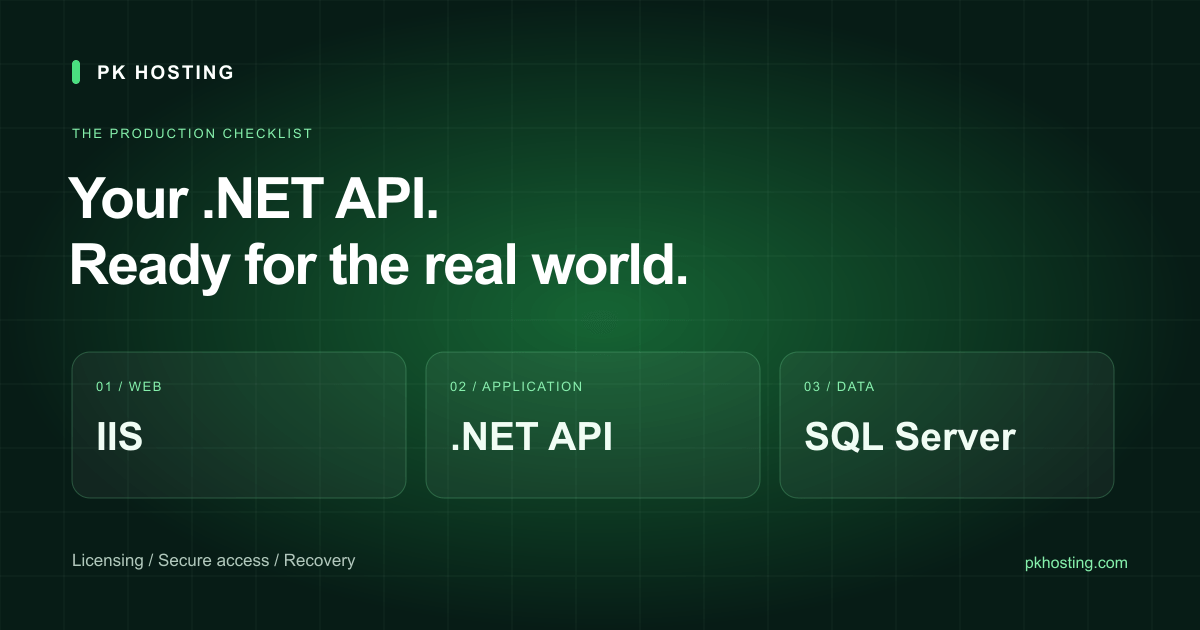
Your Web API runs on your laptop. The next step looks simple: buy a VPS, copy the application and open the website. Production adds several decisions that a local development machine hides: licensing, a supported runtime, remote access, database growth and recovery after an update goes wrong.
This is a planning scenario for an IIS-hosted API with SQL Server Express, not a customer case study or a promise that one server size handles every application. Use it to prepare an order and a deployment checklist with your developer.
Start with the application, then choose the server
If your application requires IIS, Windows authentication or a Windows-only component, select a Windows VPS. Modern ASP.NET Core itself also supports Linux; a Linux deployment may suit an application without those dependencies. Our shared hosting does not provide Windows Server, IIS, RDP or Microsoft SQL Server. Compare the operating-system options on the VPS page before paying.
Write down the application's runtime version, expected concurrent requests, database size, upload volume and background jobs. A server that installs successfully is not automatically large enough for production. Windows, IIS, SQL Server, monitoring and the application all consume memory and disk. Leave working space for updates, logs and temporary files, then load-test realistic requests.
What the Cloud VPS order needs to include
| Item | What to confirm |
|---|---|
| Operating system | Select Windows Server 2022 with the plan's paid Windows license. Cloud VPS bring-your-own Windows licensing is not supported. |
| Remote access | Public IP, Administrator credentials and RDP details are supplied at handover. Change the password and restrict administrative access. |
| Network | One public IPv4 is included. Configure Windows Firewall and IIS for your application; an IP alone does not make it reachable. |
| Storage | Use the capacity and disk type in the current order. Do not assume an older “75 GB NVMe / 150 GB SSD” comparison means both choices remain available. |
| Management | The default VPS is self-managed. Application setup, database administration and ongoing patching need your own administrator or an agreed management scope. |
These are the published Cloud VPS service terms checked on September 7, 2026. Dedicated hardware and other platforms need their own confirmed specification and licensing quote.
The annual Windows cost people miss
The base server and the license have separate billing components. In the Cloud VPS Starter price example checked on September 7, 2026, the base server is Rs. 3,499 monthly or Rs. 38,490 annually; Windows adds Rs. 4,500 per month. The annual license therefore costs Rs. 54,000.
| Component | Calculation | Annual amount |
|---|---|---|
| Base server | Annual plan | Rs. 38,490 |
| Windows license | Rs. 4,500 × 12 | Rs. 54,000 |
| Server + Windows | 38,490 + 54,000 | Rs. 92,490 |
| Optional backup | Rs. 999 × 12 | Rs. 11,988 extra |
| With that backup option | 92,490 + 11,988 | Rs. 104,478 |
These figures exclude any applicable tax, domain, custom management or paid application licenses. There is no standard Cloud VPS Starter setup fee at the time of this check. Your current plan and add-on prices and accepted order govern the charge; this example is not a lifetime renewal guarantee. Larger servers have different Windows prices.
Install IIS and a supported .NET runtime
Install the required IIS features, then the matching .NET Hosting Bundle, publish the application and configure its site and application pool. If the bundle was installed before IIS, repair the bundle after adding IIS. Follow Microsoft's IIS deployment instructions for the exact hosting model and permissions. Keep application secrets out of the public web directory.
As of this guide's review, .NET 8 and .NET 9 both reach end of support on November 10, 2026. .NET 10 LTS is supported until November 14, 2028. A new deployment should use a supported version compatible with its dependencies, and an older application needs a tested upgrade plan. Verify dates in the Microsoft support policy.
SQL Server Express: check the edition, not just free disk
Microsoft describes Express as a free edition for small applications and Developer as a development-and-test edition, not production software. SQL Server licensing is separate from Windows licensing.
For SQL Server 2022 Express specifically, the published limits include 10 GB per relational database, a 1,410 MB buffer pool and compute limited to the lesser of one socket or four cores. Other versions can have different limits: read the table for the release you install. Adding RAM to the VPS does not lift an edition's database or buffer-pool limit. See Microsoft's edition comparison.
Track data-file growth and query latency separately from total disk use. Leave space for transaction logs and backups. Keep the database reachable only by the application and approved administrators; a public SQL port is rarely necessary for a single-server API. SSMS can be installed on a compatible administration machine or on the VPS if resources allow.
Open the website, restrict the administration ports
Use port 443 for HTTPS and port 80 if needed for redirects or certificate validation. Bind the correct hostname in IIS and test the certificate after DNS points to the server. RDP normally uses port 3389; restrict it to your IP address or a VPN instead of allowing the whole internet. Administrative RDP access does not include unlimited Remote Desktop Services user licensing.
For launch acceptance, test from a separate network: HTTPS, authentication, one database write and read, an application restart, a Windows restart and a restored backup. Use staging or test records for deployment checks. Record who owns Windows updates, runtime updates, database backups and incident response.
Plan the renewal and the next upgrade
Review the server and every recurring extra together. A saved card alone does not enable automatic renewal for every service; check the eligible service's setting and invoice in your dashboard. Use the renewal checklist for the domain as well.
When the workload outgrows the plan, request the next server size with a current backup and a migration window. CPU, RAM and storage changes depend on the available plan and platform. If you need physical hardware, submit the application brief for a dedicated-server quote; do not assume a VPS license or disk layout transfers unchanged.
Price checked September 18, 2026. Current checkout price takes precedence.