PK Hosting brand assets
Official logos, the icon mark, colors and usage rules — everything you need to reference PK Hosting in articles, partner pages and integrations.
Logo lockups
Download every asset as vector SVG, transparent PNG or ready-to-use JPG. Use dark text on light backgrounds and white text on dark ones — never restyle, recolor or redraw.




SVG and PNG preserve transparency where the design calls for it. JPG downloads include the correct white or charcoal background.
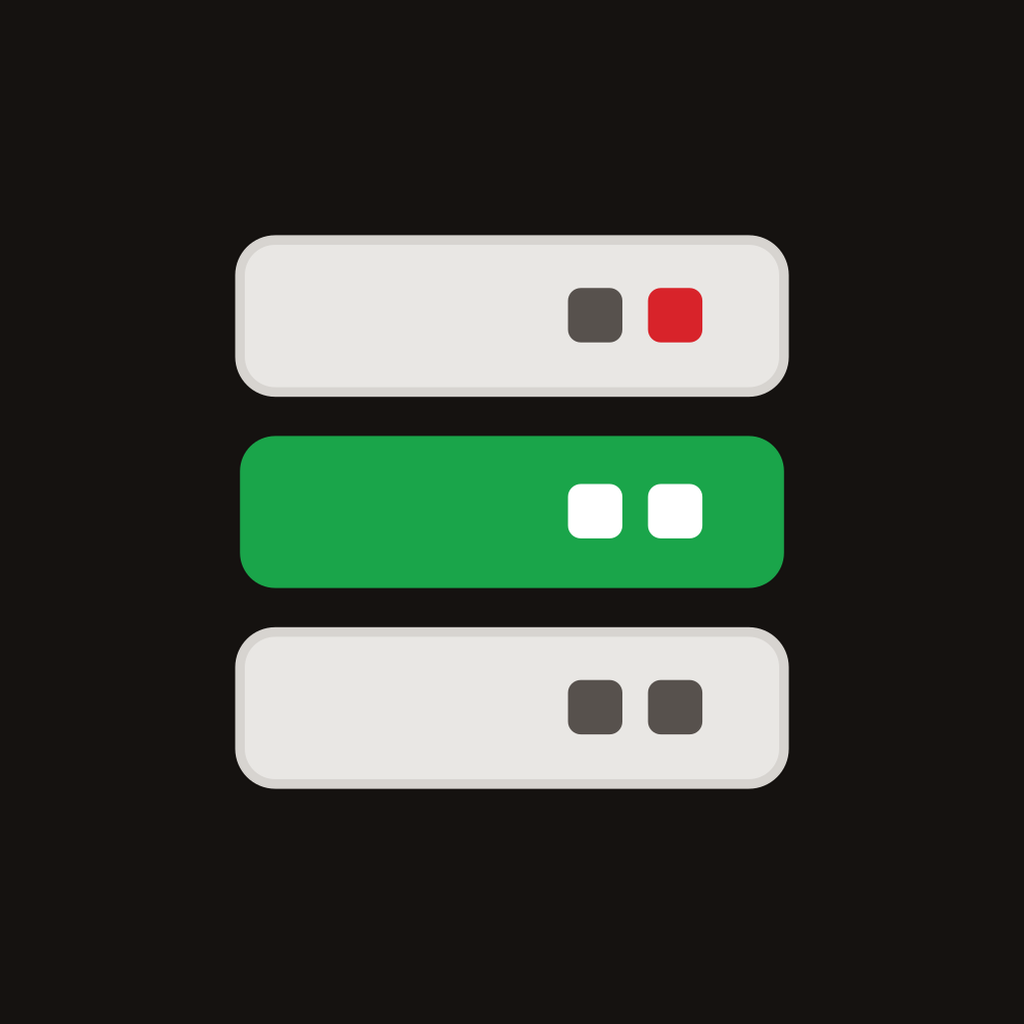
Icon mark in every size
Transparent PNGs of the server mark for favicons, app tiles and avatars — 16px to 1024px. Square tiles on white and charcoal come in 256/512/1024.























Color palette
The green rack unit and the red signal dot are the brand. Green leads; red is an accent — never a background.
Brand Green#1aa54a
Primary brand color — the active server unit.
Deep Green#138a3d
Buttons, links, interactive states.
Signal Red#d8232a
The tittle dot and status indicator — accents only.
Ink#4a443f
Wordmark on light backgrounds.
Charcoal#151210
Dark surfaces and footer.
Warm White#e9e7e4
Idle server units, subtle surfaces.
Do & don't
Do
- • Use the SVG masters wherever possible — they scale perfectly.
- • Keep clear space around the logo of at least the mark's width.
- • Pick the version made for your background (dark text on light, white text on dark).
- • The wordmark is “PK Hosting” — one K, capital H.
Don't
- • Don't recolor the mark, swap the red dot, or add effects.
- • Don't stretch, rotate, outline or place it on busy imagery.
- • Don't redraw the wordmark in another font.
- • Don't use the logo to imply endorsement without written permission.
Questions or a format you need that isn't here? Email support@pkhosting.com.