Install WordPress in one click
Launch a fresh WordPress site on your hosting in under a minute from the dashboard — no manual setup.
Last updated
You can install WordPress yourself from the dashboard — no ticket needed:
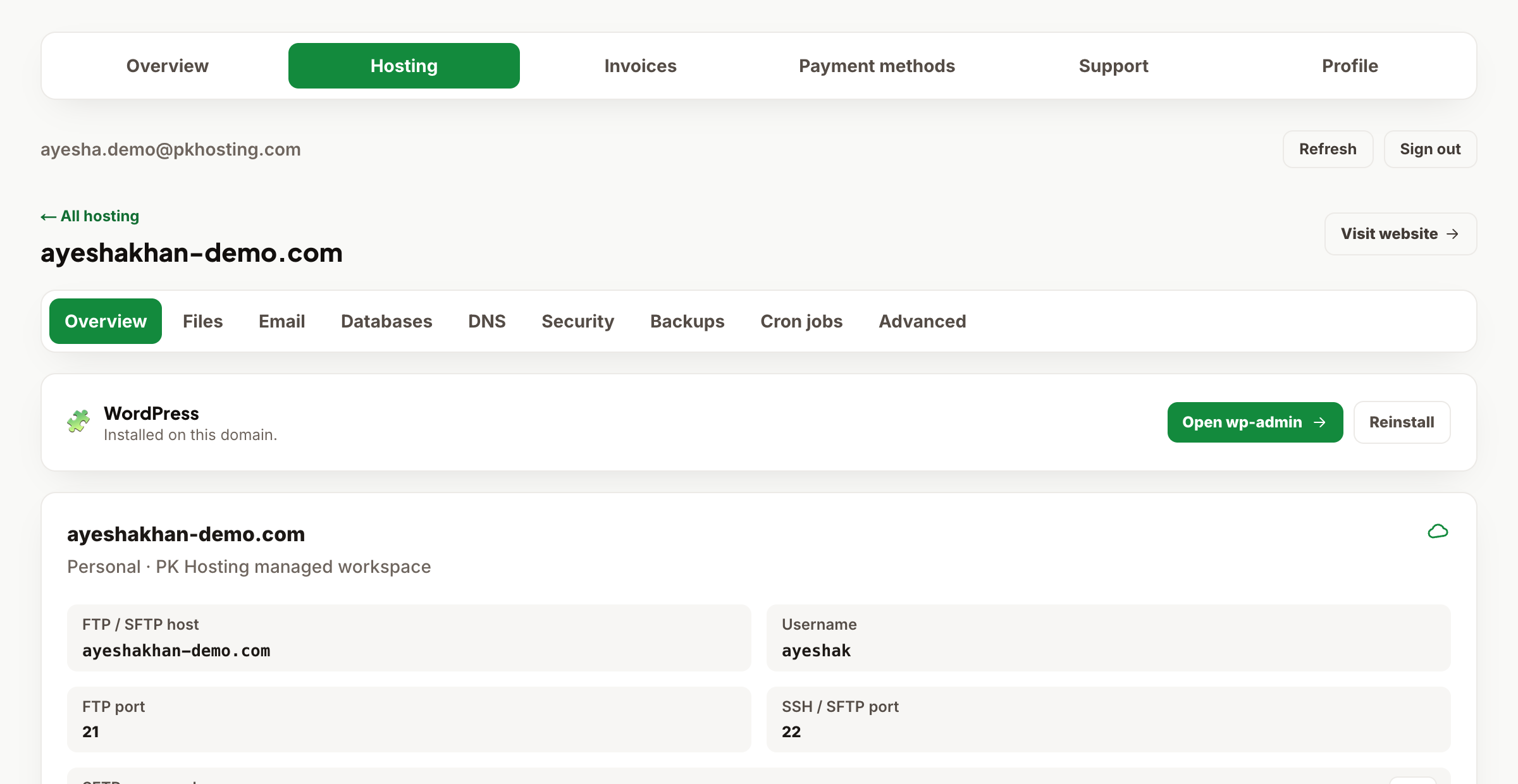
- Sign in and open Dashboard → Hosting, then click the website you want to install on.
- On the Overview tab, find the Install WordPress card.
- Choose an admin username (avoid
admin— it's the first thing attackers try), confirm your admin email and a site title, then click Install. - In under a minute you'll see your new wp-admin URL and a one-time admin password. Copy the password somewhere safe — it is shown only once.
The installer creates the database, installs the latest WordPress, and secures the file editor for you. To reinstall on a domain that already has WordPress, use Reinstall — note this erases the current site, so back up first.
Don't see the card? Your service must be an active shared-hosting plan with the domain pointed to us. If your domain is elsewhere, see Connect your domain to your hosting first.
Still need a hand?
Open a ticket from your dashboard with your domain and a screenshot — our team replies fast.