A store can feel quick with one person browsing and struggle as soon as a sale begins. Product images, filters, inventory updates, payment callbacks and order emails all compete for resources. This planning scenario shows what to measure before upgrading a WooCommerce store; the example numbers are assumptions, not PK Hosting benchmark results.
Build a workload brief instead of guessing from product count
Tell your host how many products and variations you have, how often you import stock, which search or filter plugins you use, and when traffic peaks. Include the database size, media library, order rate, scheduled tasks and expected growth. A small catalogue with complex filters can require more processing than a larger static catalogue.
Check your installed WooCommerce version against its official server recommendations. The recommendations checked for WooCommerce 10.8 and later include PHP 8.3 or greater, MySQL 8.0 or MariaDB 10.6 or greater, HTTPS, and at least a 256 MB WordPress memory limit. Verify plugin compatibility before changing versions. A PHP memory limit is not the same thing as a server RAM allocation or a traffic guarantee.
A simple capacity calculation you can explain
Suppose a campaign brings 120 visits per minute and each visit triggers three uncached requests that require PHP. That is 360 uncached requests per minute, or six per second. If each occupies a worker for an average of half a second, the average workload is roughly three busy workers: 6 × 0.5 = 3.
This is only a rough average. Real traffic arrives in bursts; slow database queries, external payment calls and background jobs can occupy workers much longer. It does not mean a three-worker limit is sufficient. Measure the request mix and slow tail, leave headroom, and run an authorized staging load test before committing a campaign budget.
| Input | Example | Your measurement |
|---|---|---|
| Peak visits | 120 per minute | Use a busy interval, not a monthly average |
| Uncached requests per visit | 3 | Include search, cart and checkout |
| Uncached request rate | 120 × 3 ÷ 60 = 6 per second | Separate cache hits from application work |
| Average worker time | 0.5 seconds | Also record slow requests and timeouts |
| Average busy workers | 6 × 0.5 = 3 | Add room for bursts and background jobs |
Measure what the customer experiences
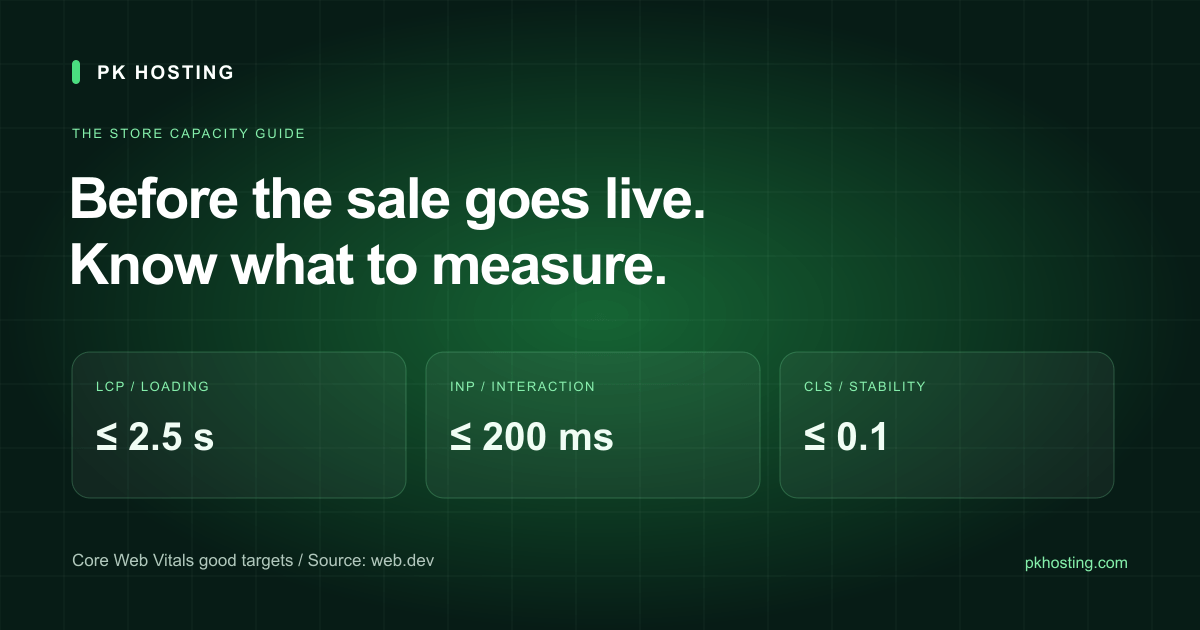
Google's Core Web Vitals guidance defines separate measures for loading, responsiveness and visual stability. Evaluate the 75th percentile of real visits, segmented by mobile and desktop, rather than presenting a single fast laboratory run as everybody's experience.
| Metric | Good target | Store example |
|---|---|---|
| LCP | 2.5 seconds or less | The main product image or other largest visible content appears promptly |
| INP | 200 milliseconds or less | The interface responds to a shopper's interaction |
| CLS | 0.1 or less | Images, banners and widgets do not unexpectedly shift the layout |
A server response test cannot by itself measure all three. Use PageSpeed Insights and, when available, field data in Search Console alongside server logs. A new or low-traffic site may lack enough field samples. Label that as missing data, not a passing score. Our website speed test helps investigate response and page-weight signals; it is not a complete Core Web Vitals certification.
Cache public pages without mixing up customers
Static images and public catalogue pages are good candidates for caching when their content and invalidation rules allow it. Cart, checkout and customer account pages need session-specific behavior. Follow WooCommerce's caching guidance and check both plugin and CDN rules. Test with two separate browser sessions so one shopper's cart, address or prices never appear to another.
Compress product images, supply the right dimensions, reduce unnecessary scripts and investigate slow queries before assuming that more RAM will solve the problem. Change one cause at a time and keep a before-and-after measurement. A new server will not automatically fix a broken plugin, an oversized image or an external API timeout.
When shared WordPress hosting is enough
A modest store with compatible plugins and a manageable workload can be a sensible fit for WordPress hosting. Ask about PHP workers or concurrent processes, CPU limits, account storage, database allowances, backup retention and restore procedures. “Unmetered bandwidth” does not mean unlimited CPU or database work.
Move to a VPS when measured resource limits or a required server configuration justify it and someone can administer the server. A VPS gives more control but brings patching, monitoring and recovery responsibilities. A dedicated server is worth evaluating for sustained workloads or hardware requirements; it is not automatically the best first purchase for a small shop.
Run a complete rehearsal before advertising the sale
- Back up the database and files, then prove a restore in a separate environment. A successful backup job alone is not a recovery test.
- Test product search, variations, coupon rules, shipping, tax and stock reduction using representative products.
- Use the payment provider's test mode for successful, declined and interrupted payments. Confirm that payment callbacks do not create duplicate orders.
- Check order recording, transactional email and stock reconciliation. Look at failures and queue delays as well as page speed.
- Repeat the key flow on a phone and a slower connection. Record the test conditions and what changed.
Keep test traffic away from live card charges and customer notifications. Plan a rollback and decide who responds if checkout fails during the campaign. If the evidence points to a hosting move, use the migration checklist and agree on the cutover before launch day.