Create a MySQL database and user
Add a database and connect your app to it using the dashboard Databases tool.
Last updated
Most apps (WordPress, Laravel, custom PHP) need a MySQL database:
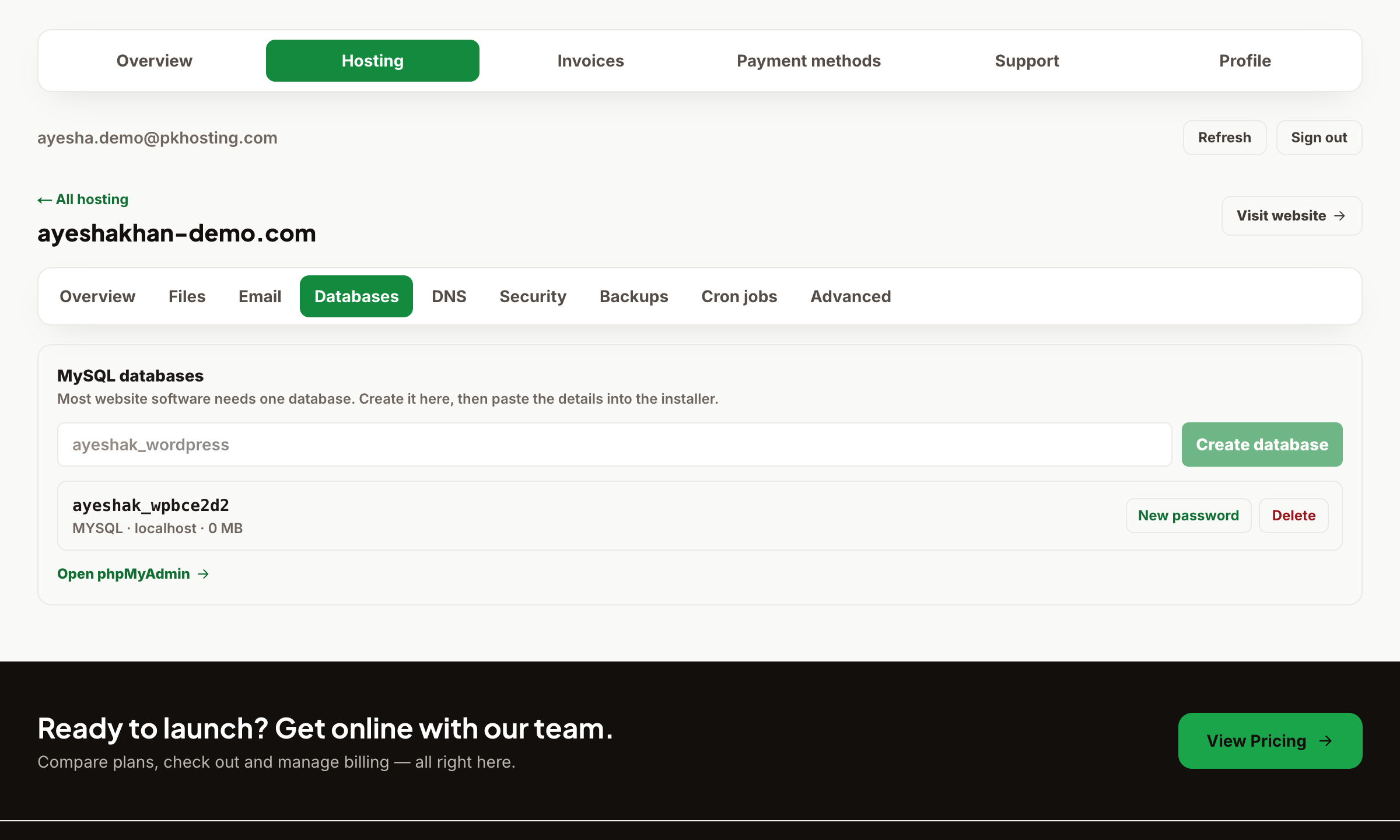
- Open Dashboard → Hosting → your website → Databases.
- Click Create database. A database and matching user are created together, with a password you set.
- Note the four values your app needs: database name, username, password, and host (use
localhost).
Put these into your app's config — for WordPress that's wp-config.php, for Laravel your .env. The database name and username are prefixed with your account name (e.g. youruser_appdb) — always use the full prefixed name.
Tip: if you use the one-click WordPress installer, the database is created and wired up for you automatically.
Still need a hand?
Open a ticket from your dashboard with your domain and a screenshot — our team replies fast.