Create an email address on your domain
Make a professional you@yourdomain.com mailbox and read it in webmail or your phone.
Last updated
A branded address like you@yourdomain.com is included with hosting:
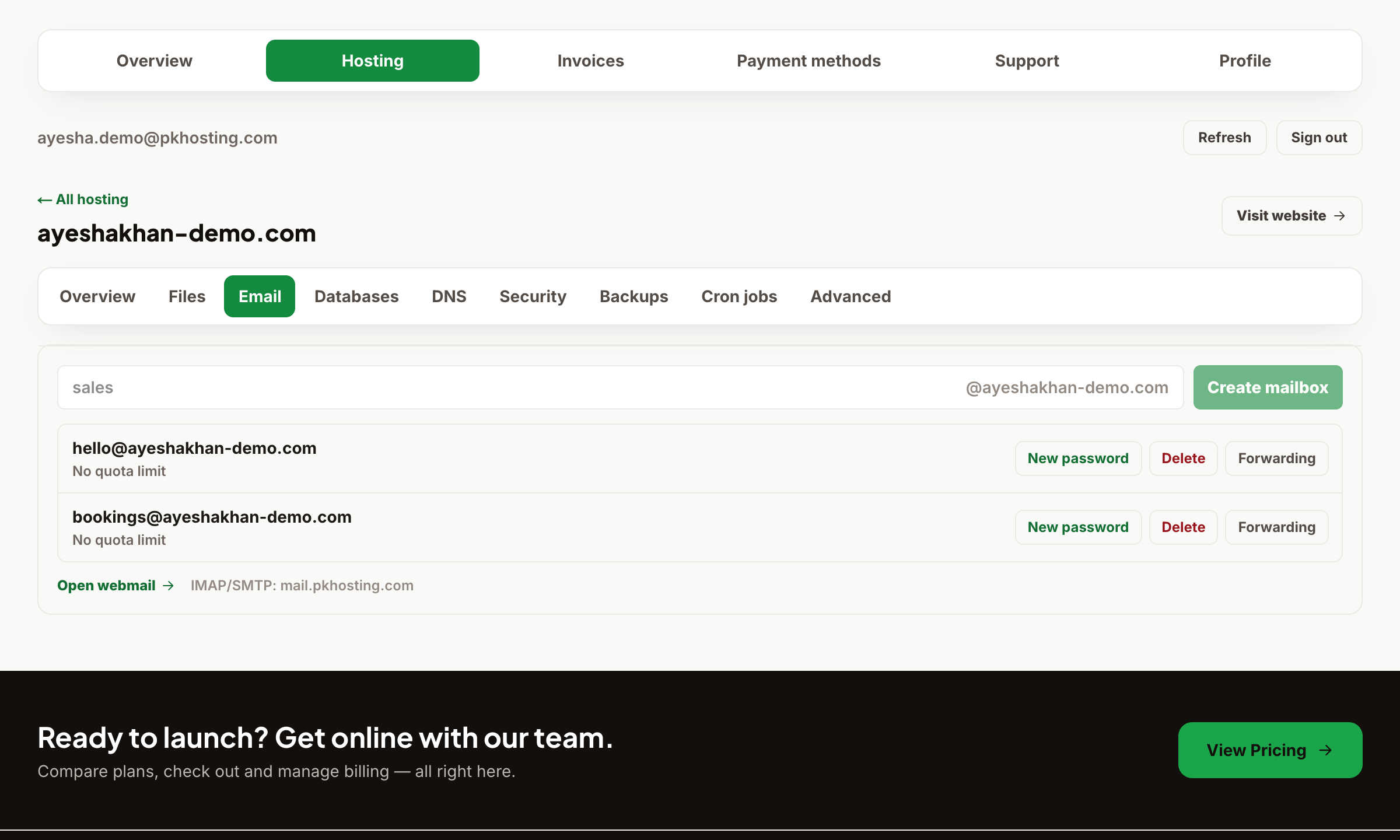
- Open Dashboard → Hosting → your website → Email.
- Click Create mailbox, choose the name before the @, and set a strong password.
Read your mail three ways:
- Webmail: sign in at webmail.pkhosting.com with your full email address and password.
- Phone / Outlook / Apple Mail: add an account using the IMAP/SMTP settings in Email settings — IMAP, SMTP and secure ports.
You can also set up forwarders and auto-replies from the same Email panel. If mail isn't arriving, check your MX records point to our mail server (see Add DNS records).
Still need a hand?
Open a ticket from your dashboard with your domain and a screenshot — our team replies fast.